Can I Test My Hearing at Home Before Buying?
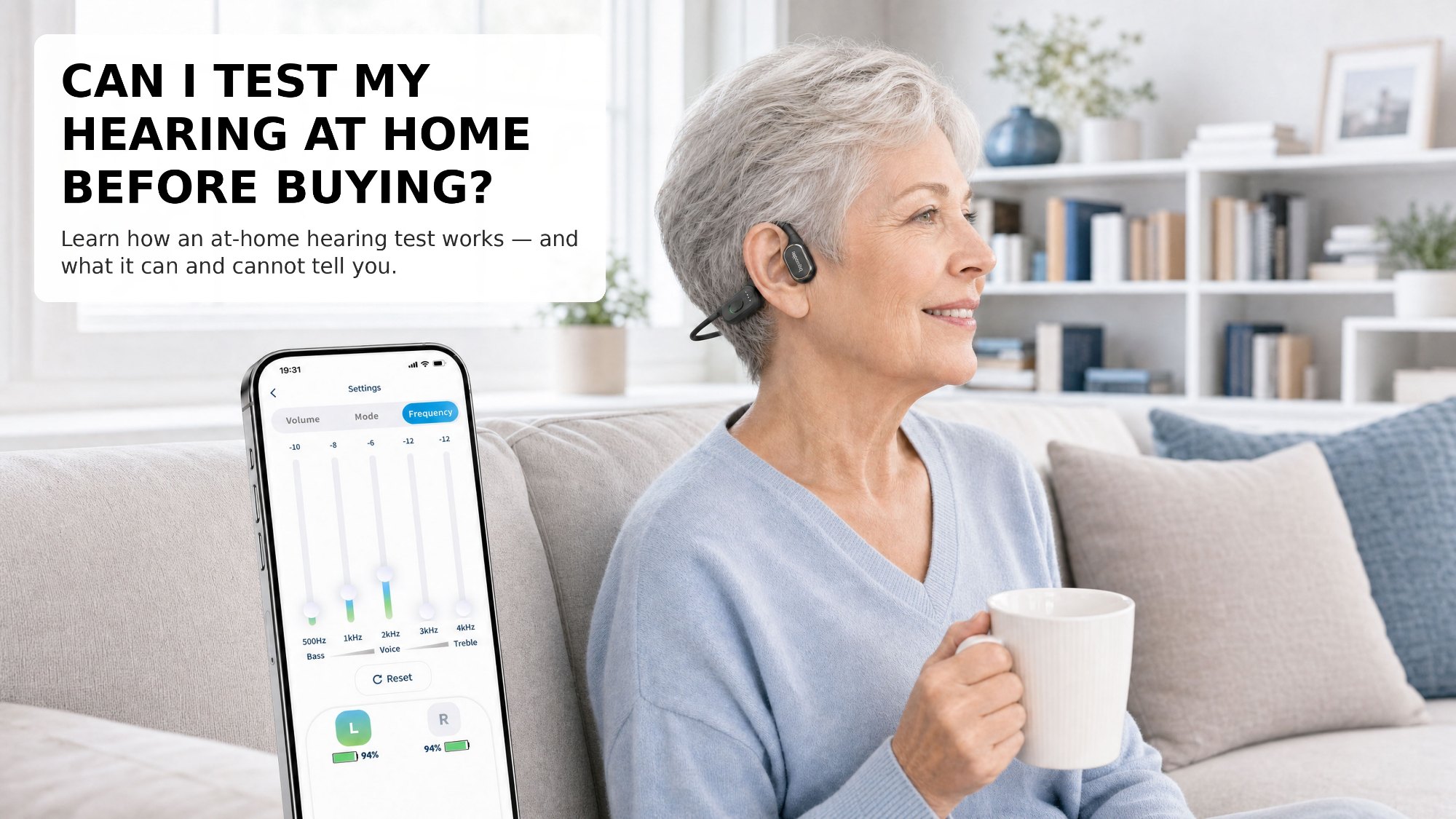
Can you test your hearing at home before buying a device? Yes — a home hearing test can give you a useful starting picture: which ear hears less well, and which speech frequencies you struggle with. It is a screening guide, not a medical diagnosis. The bocoolife Celivo One, an open-ear bone conduction hearing assistant, includes an at-home hearing test in its companion app, transmitting sound through bone vibration with your ear canal open — not an air-conduction speaker.
What a Home Hearing Test Can Tell You
A well-designed home test gives you three practical pieces of information:
- Which ear needs more help: Most people discover their two ears are not equal — one side consistently scores lower than the other.
- Which frequencies you miss: The test checks how you respond across the speech range, showing whether you struggle more with higher-pitched consonants or lower-pitched vowels.
- A personal baseline: Your results become a starting profile for tuning your device, so you are not guessing at volume and balance settings from scratch.
What It Cannot Do
Honesty matters here. A home test is a screening tool, not a substitute for a professional evaluation:
- It is not a diagnosis. A home test cannot tell you why your hearing changed or whether a medical condition is involved.
- Your environment affects the result. Background noise, cheap earbuds, or a phone speaker can all skew the outcome — a quiet room matters.
- It does not replace professional care. If your results surprise you, if one ear is suddenly much worse, or if you have any medical concern about your ears, a hearing care professional is the right person to see.
How the bocoolife App Test Works
The bocoolife Celivo One companion app includes a guided at-home hearing test you can do from your couch:
- Find a quiet room: Close the windows, turn off the television, and give yourself a few undisturbed minutes.
- Follow the prompts: The app plays a series of tones and spoken sounds at different frequencies and volumes. Simply indicate when you hear each one.
- Test each ear separately: The test measures your left and right ears independently, so the results reflect the real asymmetry of your hearing.
- Save your profile: Your results are stored in the app and used to set the independent left/right balance of your device automatically.
How to Use Your Results
Your test profile is a starting point, not a final verdict. Use it to set your initial left/right balance, then live with those settings for a week in real situations — television, family meals, phone calls — and adjust from there. If you repeat the test after a few weeks, you can see whether your settings still feel right as you get used to the device.
You don't need to walk into a clinic to take the first step. A home test gives you a clear, personal picture of your hearing — and a much more confident starting point for choosing a device.