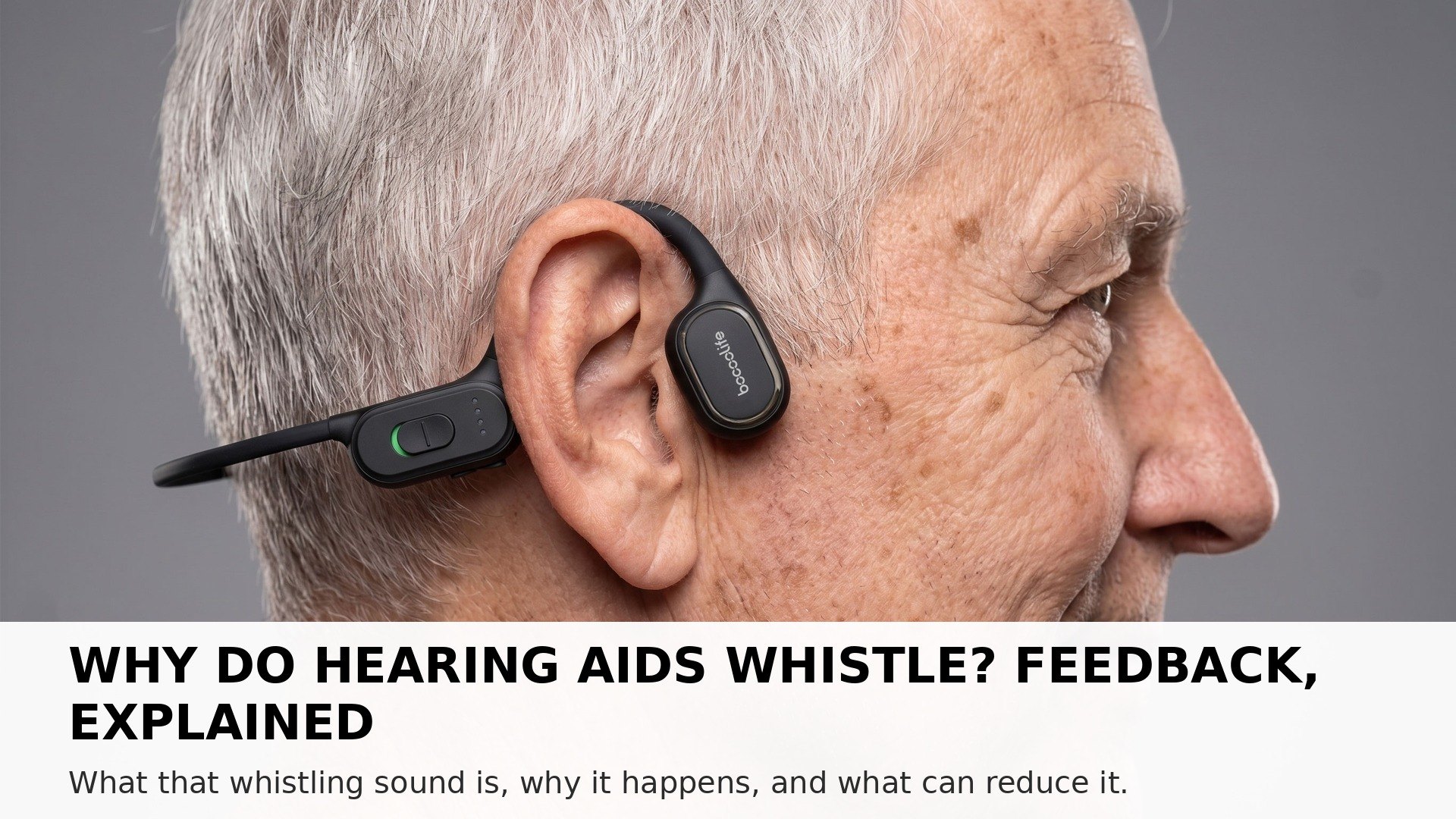
Hearing devices whistle when amplified sound leaks out and is picked up again by the microphone, then amplified again in a loop. An Open-ear bone conduction Hearing Assistant works differently, because sound is transmitted through bone vibration, the ear canal stays completely open, and it is not an air-conduction speaker, so there is no sealed ear canal for sound to bounce around in.
What Feedback Actually Is
Feedback is a loop, and once you picture the loop, the whistle makes sense:
- The microphone picks up sound. That is its job — to gather the sounds around you.
- The device makes that sound louder. The amplified sound is sent toward your ear.
- Some of the amplified sound leaks back out. A little of it escapes and reaches the microphone again.
- The microphone picks it up a second time, and it is amplified again. Round and round it goes, growing louder each time — and that growing loop is the whistle you hear.
It is the same effect as holding a microphone too close to a loudspeaker. The principle is simple; the experience is annoying.
Common Reasons Whistling Starts
Whistling does not always mean something is broken. It often starts with something small and changeable:
- The fit is loose. If a device does not sit snugly, amplified sound can escape more easily and find its way back to the microphone.
- The volume is set high. Higher volume means more amplified sound available to leak back into the loop.
- Something is close to the microphone. A hand, a hat, a phone held to the ear, or a hug can bounce sound back toward the device.
- The device has moved. A device that has shifted during the day may sit differently from when it was first put on.
If whistling starts suddenly, it is worth checking the fit and the volume first, before assuming anything more serious.
What People Usually Try First
Most whistling has a practical fix, and people usually work through a short list:
- Refit the device. Take it off, put it back on carefully, and check that it sits where it should.
- Turn the volume down a little. A small reduction is often enough to break the loop.
- Keep the area around the microphone clear. Move a hand or a hat away and see whether the whistle stops.
- Check the fit over time. If the fit keeps loosening, or the whistling keeps returning, it may be worth asking for advice on the fit.
Comfort varies from person to person, and what works for one ear may not work for another. A little patience with fitting can save a lot of frustration later.
Why an Open-ear Design Works Differently
A traditional in-ear device puts the sound source and the microphone close together, inside a small, sealed space — the ear canal. That sealed space is where the loop can build up.
An Open-ear bone conduction Hearing Assistant is built on a different idea:
- Nothing sits inside the ear canal. The ear canal stays completely open, so there is no sealed space for amplified sound to bounce around in.
- Sound travels through bone vibration. The vibration passes through the cheekbone directly to the inner ear, rather than being pushed as air pressure into a closed canal.
- The ear stays open to the world. Everyday sounds still reach you directly, and the device is not fighting its own echo inside a sealed space.
That difference does not mean whistling is impossible in every situation — no design can promise that. But the open-ear path removes the sealed loop where feedback most often builds, which is one reason many people find the open-ear experience more comfortable in daily use.
Stay in the conversation, without the whistle.